Makina-Corpus
Plomino
Fields reference
General parameters
- id
Value: Free text.
It mustn’t contain special characters or spaces.
Purpose: Field identifier. It is used in Plomino formulas to identify the corresponding document item.
- Field type
Value: - Boolean
- Datagrid
- Date/Time
- Doclink
- File attachment
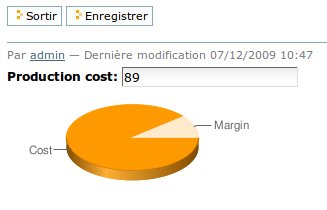
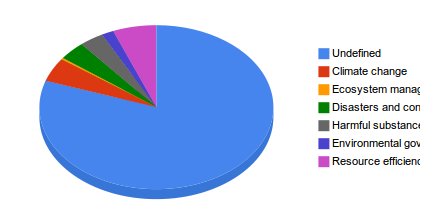
- Google chart
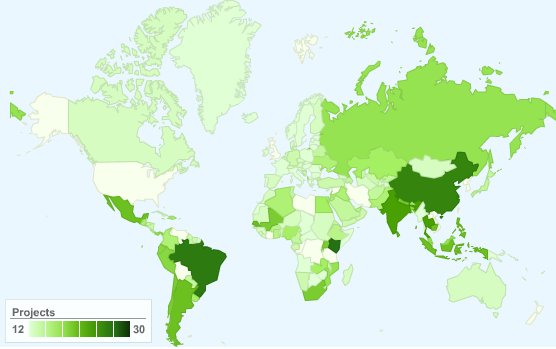
- Google visualization
- Name
- Number
- Rich text
- Selection list
- Text
Purpose: Depending on the field type, the values entered in the field and/or the rendering of the field might be different. (See Type-specific parameters.)
- Field mode
Value: - Editable
- Computed
- Computed for display
- Computed on creation
Purpose: When editable, a field value can be entered by the user. Otherwise, its value is computed using a formula. See Computed fields.
- Formula
Value: Python code Purpose: Depending on the field mode, this formula will compute the field value (if computed), or just its default initial value (if editable). Note: If the field is called using computeItem, from some event or from some other field formula, the current field value will be overwritten even if it is an editable field.- Field read template and field edit template
Value: Page template id Purpose: The custom .pttemplate to use to render the field. See Field templates.- Validation formula
Value: Python code Purpose: The validation formula must return a string containing the error message if the validation failed, or an empty string is the validation was successful. - Add to index
Value: True/False Purpose: If True, the field is added to the database index, allowing to perform search on its values.- Index type
Value: ZCatalog index type Purpose: Allow to define how the field must be indexed. If Default, the field is indexed using the index type associated with its type.
Field indexing
Plomino allows you to find documents according their field values when those fields
are indexed.
Search can be performed using a search form (see related paragraph) or
programmatically using the dbsearch method:
db = context.getParentDatabase()
results = db.getIndex().dbsearch({
                'Form': 'frmEmployee,
                'employee_department': 'HR'},
                sortindex='employee_name')
Note: sortindex is optionnal.
The search behaviour depends on the index types. Zope/Plone offers a standard set of indexes, and the most common ones are:
FieldIndexBehaviour: - it accepts any type of values (text, dates, list, numbers, ...)
- it matches exact values,
- it allows sorting.
Example: If the field value is ‘Jack London’, it will match if we search for ‘Jack London’, but not if we search for ‘Jack’.
DateIndexBehaviour: - it handles date values in a more efficient way than FieldIndex,
- it allows sorting,
- it allows to search using a time interval.
Examples: Equality:
db.getIndex().dbsearch({'EventDate': Now()+10})Before:db.getIndex().dbsearch({'EventDate': {'query': Now(), 'range': 'max'}})After:db.getIndex().dbsearch({'EventDate': {'query': Now()-7, 'range': 'min'}})Interval:db.getIndex().dbsearch({'EventDate': {'query': [Now(), Now()+10], 'range': 'min:max'}})ZCTextindexBehaviour: - it indexes text, and can match any contained word,
- it does not allow sorting,
- it allows wildcards and logical operator,
- it ignores non-meanningful words (like ‘the’, ‘a’, ‘is’, etc.).
Example: If the field value is ‘Jack London was here a long time ago’, it will match if we search for:
- ‘Jack London’,
- ‘Jack AND time’,
- ‘London AND NOT Paris’,
- ‘Lond*’.
KeywordIndexBehaviour: - it indexes lists, and match their values,
- it does not allow sorting.
Example: If the field value is
['Austerlitz', 'Iena', 'Waterloo'], it will match if we search for:'Austerlitz',['Iena', 'Austerlitz'],{'query': ['Austerlitz', 'Agincourt'], 'operator': 'OR'}
All the Plomino field types are associated to a default index type:
- Text:
FieldIndex, - Number:
FieldIndex, - Rich text:
ZCTextIndex, - Date/Time:
DateIndex, - Name:
FieldIndex, - Selection list:
KeywordIndex, - File attachment:
ZCTextIndex, - Doclink:
KeywordIndex.
The default index type can be changed using the Index type parameter,
but doing so might produce side-effects
(for instance if the field was used to sort views or search results,
and its type is changed to a non-sortable index, this will break sorted
views).
Type-specific parameters
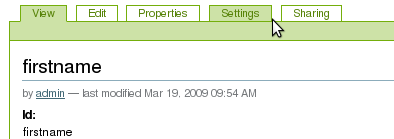
Type-specific parameters are available in the field’s Settings tab:
Text field
A text field allows simple text input.
Text fields can also be rendered hidden. In this case, input comes from the REQUEST.
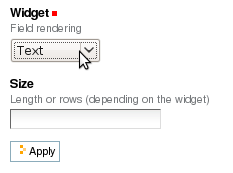
- Widget
Value: TextLong textHidden
Purpose: Text is rendered as a basic HTML input text field, or a hidden field.
- Size
Value: Integer
Purpose: - If “Text widget”: input text size.
- If “Long text”: textarea rows.
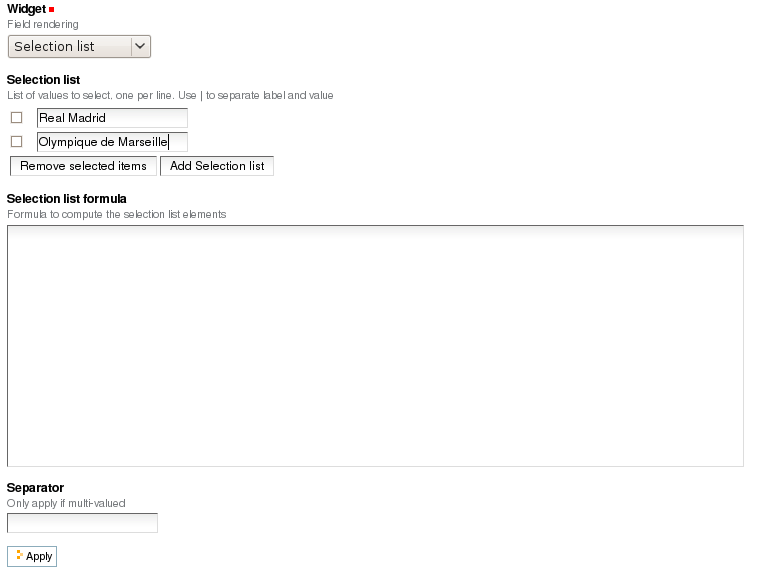
Selection list field
- Widget
Value: Selection listMulti selection listCheckboxesRadio buttons
Purpose: Note: multi selection list and checkboxes are multi-valued.
- Selection list
Value: List of strings
Purpose: The possible values selectable in the field.
Note: if a value contains a pipe (
|), Plomino uses the string before the pipe as the entry label, and the string after as the real value.Example:
United states of America|USA- Selection list formula
Value: Python script
Purpose: The formula must return the list of values selectable in the field (using the
label|valueformat if necessary).Note: if a Selection list formula is provided, it overrides the Selection list to provide the field value list.
- Separator
Value: String
Purpose: Used to separate the values in read mode for multi-valued fields and also in edit mode for radio buttons and checkboxes.
Default is blank.
Examples:
;-,
Name field
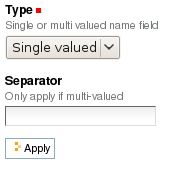
- Type
Value: Single valuedMulti valued
- Separator
Value: String
Purpose: Used to separate the values in read mode.
Default is blank.
Examples:
;-,
Number field
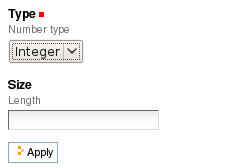
Decimal numbers can be represented exactly, unlike floats. Zero is zero,
not something like 5.5511151231257827e-017.
- Type
Value: IntegerFloatDecimal
- Size
Value: Integer Purpose: Length of the HTML input.
Date/Time field
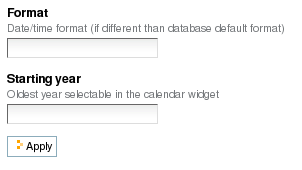
- Format
Value: Python date pattern
Purpose: Example:
%d/%m/%YIf empty, default to the Database default date format.
- Starting year
Value: Integer
Purpose: Earliest year selectable using the date/time widget.
If empty, default to the Plone site default starting year.
Note
The calendar widget for selection of dates requires the
calendar_formfield.js script to function. By default, this is
not loaded for Anonymous users, so if you want to show a date
selection widget to Anonymous, be sure to allow this script at
portal_javascripts in the ZMI.
File attachment field
No specific parameters.
A file attachment field involves both a document item and a file.
The item is named for the field and is set to a dictionary
{filename: contenttype} when edited through the web.
When dealing with attachment fields in formulas, both the item and the file need to be managed. For example:
i = 'itemname'
filename, contenttype = doc.setfile(
        myfile,
        filename='%s.csv'%i,
        overwrite=True)
doc.setItem(i, {filename: contenttype})
For a multi-valued field, this would be:
i = 'itemname'
filename, contenttype = doc.setfile(
        myfile,
        filename='%s.csv'%i,
        overwrite=True)
doc.setItem(i, doc.getItem(i).update({filename: contenttype}))
The same goes for deleting files (use the deletefile API).
Rich text field
No specific parameters.
Doclink field
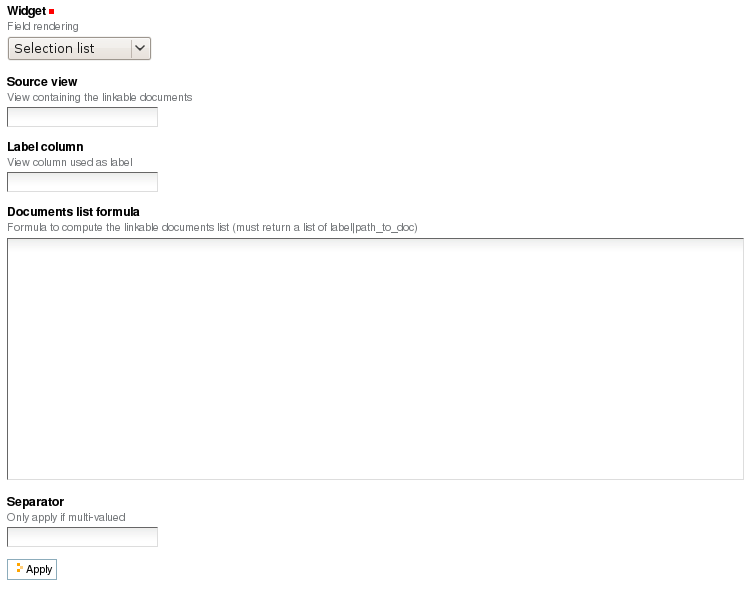
- Widget
Value: Selection listMulti-selection listEmbedded view
Purpose: If Embedded view is selected, the view itself is displayed, with a check box on each row to allow the user to select a document.
- Source view
Value: The targeted view - Label column
Value: The column used to provide the list labels Purpose: Only apply if Selection list or Multi selection list - Documents list formula
Value: Python script
Purpose: This formula must return a list of string values formatted as follows:
label|path_to_documentNotes:
- it might a path to any kind of Plone object (even if the main purpose is to link to Plomino Documents),
- if a formula is provided, it overrides Source view and Label column.
- Separator
Value: String
Purpose: Used to separate the links in read mode.
Default is blank.
Examples:
;-,
Datagrid field
A datagrid field allows to edit a table. Rows are edited using an associated form (displayed in a pop-up) in which fields are mapped to columns.
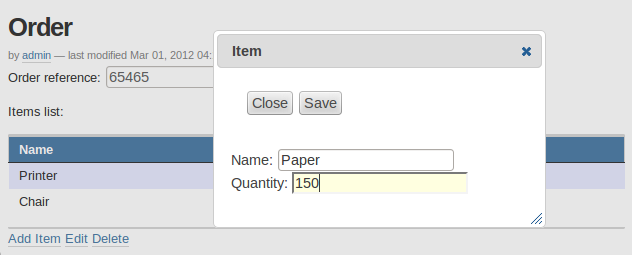
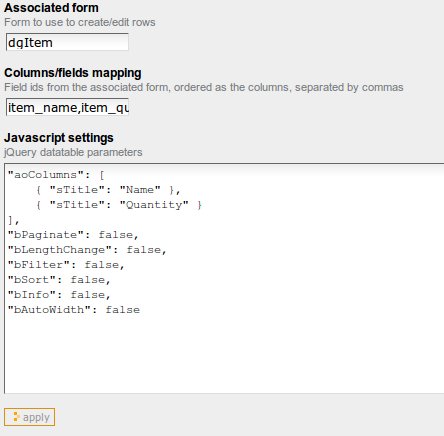
- Associated form
Value: String Purpose: Id of the form to use to add or modify row content. - Columns/fields mapping
Value: List separated with commas (with no space). Purpose: Field ids of the associated form sorted according the columns - Javascript settings
Value: Javascript Purpose: JQuery Datatables parameters
Example: hide a column in a view
You can hide a column in a view by changing the Dynamic Table Parameters field to include something like:
'aoData': [{"bVisible": false}, null, null, null]
You would need one item in the array for each column in the table.